How to Turn Perplexity Learn Mode Into Flashcards in 2026: Use Guided Search, Review the Weak Spots With FSRS
Yesterday I uploaded one lecture PDF to Perplexity Learn Mode, answered a few mini-quiz questions, and blanked on a term I had already highlighted twice in the original reading. That blank was the useful part.
That is the real question behind how to turn Perplexity Learn Mode into flashcards. Perplexity is already pretty good at the first half now: upload material, ask for guided help, answer mini-questions, notice what feels shaky. The part that still needs a separate system is what happens after Learn Mode exposes the weak spots.
So this is the workflow I actually trust in 2026: use Perplexity Learn Mode to surface the misses, slow answers, and confused comparisons, then turn only those pieces into small flashcards and review them with FSRS. The extra Perplexity-specific step is simple: before a weak spot becomes a card, trace it back to the uploaded note or cited source underneath the answer.
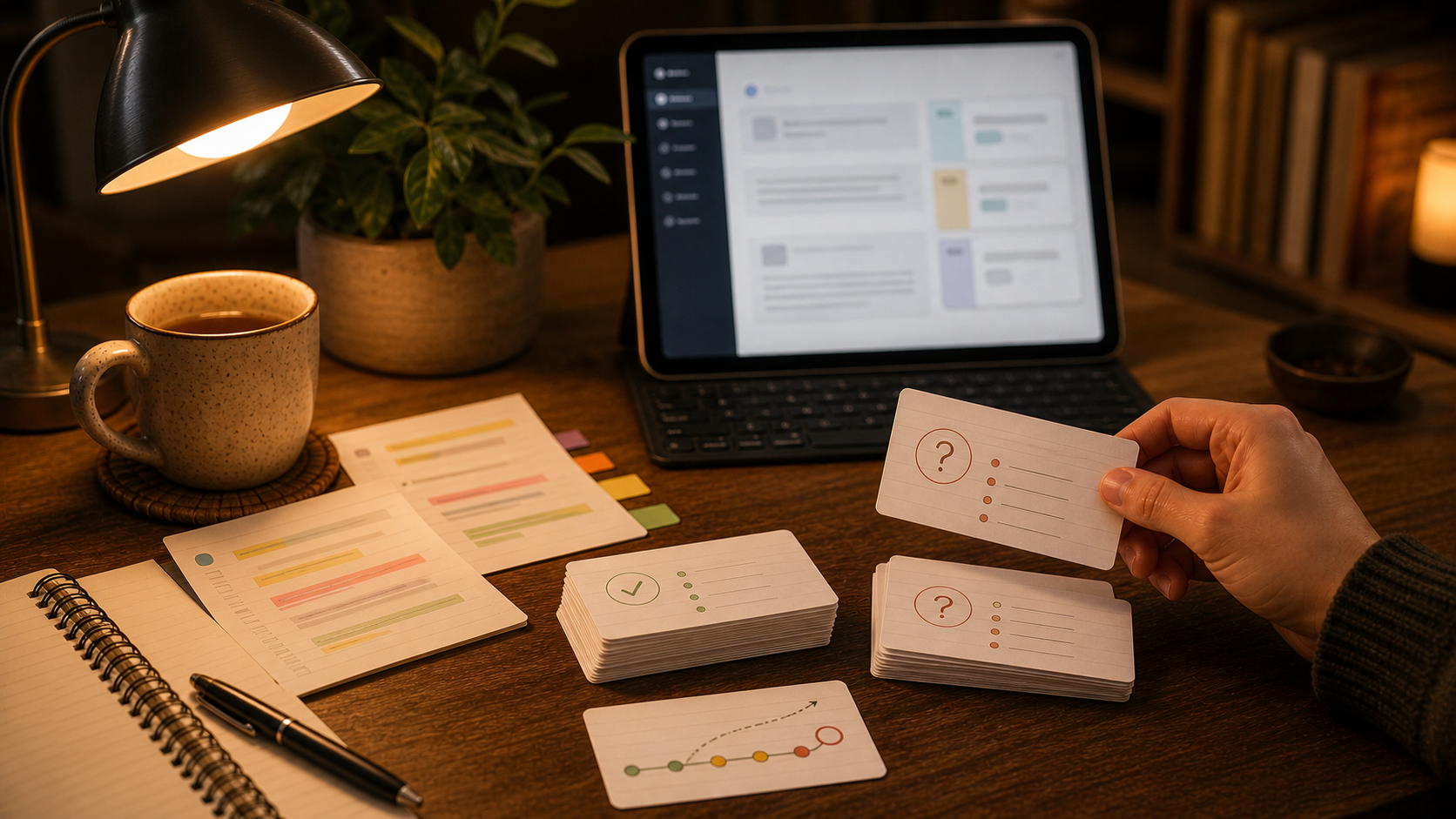
Perplexity already handles the guided-search half
Perplexity's current help docs describe Learn Mode as Search optimized for active learning rather than instant answers. As of May 29, 2026, the official Learn Mode page says it can teach through conversation, break topics down step by step, generate inline study material such as flashcards and multiple-choice quizzes, guide with questions and hints, include mini-quizzes with feedback, and work from uploaded course materials like readings, study guides, and lecture notes.
That matters because the product is not only acting like a search box anymore.
It is acting more like a guided study layer:
- you bring in notes, readings, or slides
- Learn Mode questions you instead of only summarizing
- mini-quizzes expose what you cannot produce cleanly
- follow-up explanation patches the gap
Useful setup. Incomplete memory system.
The broader category is moving the same way. OpenAI launched Study Mode on July 29, 2025. Coursera's February 25, 2026 write-up on its first AI in Higher Education report said more than 95% of surveyed students and educators were already using AI in an educational context. Stanford Daily's January 29, 2026 student survey found studying was the most common use case among respondents using ChatGPT, Gemini, and Claude. So the pattern is established now. AI is increasingly where people expose weak understanding. It is still not where long-term recall gets handled well by default.
The weak spots matter more than the flashcard export
This is the part I would get straight first.
Perplexity can already create flashcards from uploaded materials. That is fine as a draft step. I just would not treat the export itself as the goal.
If you dump the full reading set or full Learn Mode transcript into a "make flashcards" step, the result usually includes too much of the wrong material:
- warm-up explanation
- examples that made sense only in context
- repeated hints
- summary language that sounds smart and reviews badly
- facts you recognized easily and do not need to schedule
The better source is narrower.
I want the pieces Learn Mode had to work on:
- the quiz question I missed
- the distinction I kept blending together
- the formula setup I could recognize but not rebuild
- the definition I could not say without help
- the trap Perplexity corrected twice
That is the raw material behind good Perplexity Learn Mode flashcards. The model already did the diagnosis. The deck only needs to preserve the parts your memory clearly failed to hold.
I would run Learn Mode like a weak-spot detector
The best Learn Mode sessions are a little inconvenient.
If Perplexity explains too much too early, the session feels smooth and teaches me less. I want it to ask, wait, and force me to answer before it rescues me.
I would prompt it more like this:
Use Learn Mode with these notes. Ask one question at a time. Do not give the full answer too early. If I miss something, hesitate, or confuse two ideas, keep track of that weak spot so we can review only those at the end.
That framing does two useful things.
First, it turns Perplexity into a tutor instead of a summary machine. Second, it creates an obvious handoff point. By the end of the session, you should have a short list of misses rather than a giant transcript you feel guilty about not studying again.
At the end of the session, I would ask for one more pass:
List only the weak spots from this session. For each one, give me the concept, what I missed, one short recall prompt, and the note section or citation I should check before making a flashcard.
This is also why I would keep the scope small:
- one lecture
- one chapter section
- one article
- one problem set topic
If you throw an entire course into one session, Perplexity can still be helpful, but the cleanup cost gets ugly fast.
If your starting material is still one step earlier, these fit naturally before Learn Mode:
The workflow I would actually repeat
This only works if it stays short enough to keep doing after the novelty wears off.
Here is the version I would use:
- Upload one narrow set of readings, lecture notes, or slides to Perplexity Learn Mode.
- Ask Perplexity to teach by questioning first and explaining second.
- Keep a tiny scratch list of misses, hesitations, and repeated confusions while you answer.
- Finish the session and ask Perplexity to summarize only those weak spots, plus the source note section or citation for each one.
- Re-open the cited passage or uploaded note and turn each weak spot into one plain front/back flashcard candidate.
- Delete, split, or rewrite anything that still needs a paragraph to answer.
- Move the surviving cards into a real review app and study them with FSRS.
That middle filter matters more than people expect.
The deck should not answer "What happened in this Learn Mode session?" It should answer "What do I still need to retrieve without help next week?"
In Perplexity, I would card the source, not the polished answer
This is the part that feels most different from the ChatGPT and Gemini versions of this workflow.
Perplexity sits closer to search. The useful side effect is that weak spots often come with a note, a screenshot, or a citation trail I can inspect before I save anything.
So I use a very plain rule:
- if the weak spot came from my uploaded notes, I reopen the note or slide and write the card from that material
- if the weak spot came from a web source Perplexity surfaced, I open the cited source and confirm the claim there before I keep the card
- if the answer only sounds good inside Perplexity's explanation and I cannot anchor it to a source I trust, I skip it
That small source check keeps the deck cleaner.
It also makes the cards more portable. A week later I want to remember the concept itself, not Perplexity's nice phrasing from one tutoring session.
Mini-quiz misses make better cards than the polished explanation
This is probably the biggest practical shift.
People tend to save the strongest-looking text. They keep the beautiful explanation paragraph and ignore the awkward moment where they could not answer a simple question.
The awkward moment is the better card source.
Say Learn Mode asks you to compare mitosis and meiosis, and you keep mixing up chromosome count after division. The weak move is to save Perplexity's tidy teaching paragraph. The better move is to split the miss into quick review prompts:
- Front: After mitosis, how many daughter cells are produced? Back: Two.
- Front: After meiosis, how many daughter cells are produced? Back: Four.
- Front: Which process halves chromosome number? Back: Meiosis.
Same session. Much better review material.
That is also why I would not ask Perplexity for "advanced flashcards" or long context-heavy cards. One weak spot per card still wins. The tools changed. The review rules barely did.
If your cards already feel bloated, How to Make Better Flashcards in 2026 and How to Fix AI Flashcards in 2026 are the two companion posts I would read next.
Let Perplexity draft the cards, then edit them hard
I do think Perplexity can help with the drafting step.
After a Learn Mode session, I would ask for something like:
Turn only these weak spots into flashcards. One concept per card. Short front. Direct back. No filler. No invented facts. Keep the source note section or citation attached to each card draft. Skip anything that still needs a long explanation to make sense.
That usually gets you closer to usable cards.
But I would still edit the result hard before it becomes a deck.
I am checking for a few boring things:
- does the front test one idea or three
- does the back answer directly
- does the card still make sense without the whole Perplexity chat
- is this actually worth remembering later
If not, it gets deleted.
This is where a lot of AI study workflows quietly fail. The generation step feels productive, so people become too polite with bad cards. I would rather keep eight clean cards from Learn Mode than forty cards built from helpful but forgettable prose.
FSRS is where the memory part actually starts
Perplexity can help you understand and expose the misses. It does not replace a review schedule.
That is where FSRS matters.
Once the weak spots become cards, they need timing:
- easy cards should back off
- fragile cards should return sooner
- the review queue should stay calm enough that you keep opening it
That timing layer is what turns "Perplexity caught me missing this" into "I am less likely to miss this again in a week."
If you want the scheduling side in more detail, FSRS Settings in 2026 and FSRS vs SM-2 in 2026 cover the algorithm side better than this article does.
This article is narrower. Perplexity found the hole. FSRS helps you close it over time.
Where Flashcards fits
Flashcards fits after Learn Mode, once you know what is worth keeping.
There is no magic Perplexity import button I need to pretend exists. The useful workflow is simpler and more believable:
- finish the Learn Mode session
- copy the weak spots, the cleaned-up card draft, or both
- keep the source note snippet or citation beside each candidate card while you edit
- paste that into Flashcards AI chat or create the cards directly
- edit the wording into simple front/back cards
- organize them by deck or tag
- review them with FSRS
That matches the product well:
- front/back cards
- AI chat for cleanup and rewriting
- file attachments when your source starts messy
- decks and tags for organization
- FSRS review instead of one-off study sessions
If you want the broader product surface, Features is the fast overview. If you want the shortest path into the hosted app, Getting Started covers it.
The rule I would keep
Do not ask Perplexity Learn Mode to become your long-term deck.
Ask it to reveal what deserves a deck.
That one shift fixes most of the workflow around how to turn Perplexity Learn Mode into flashcards.
Use the guided search. Let the mini-quizzes expose what you do not know yet. Keep the misses, not the whole performance. Check the note or citation underneath each weak spot. Then turn those misses into small cards and let FSRS handle the part Perplexity does not: making sure the material is still there when the chat is long gone.