How to Turn Images Into Flashcards in 2026: Screenshots, Photos, and OCR Without Rewriting Everything
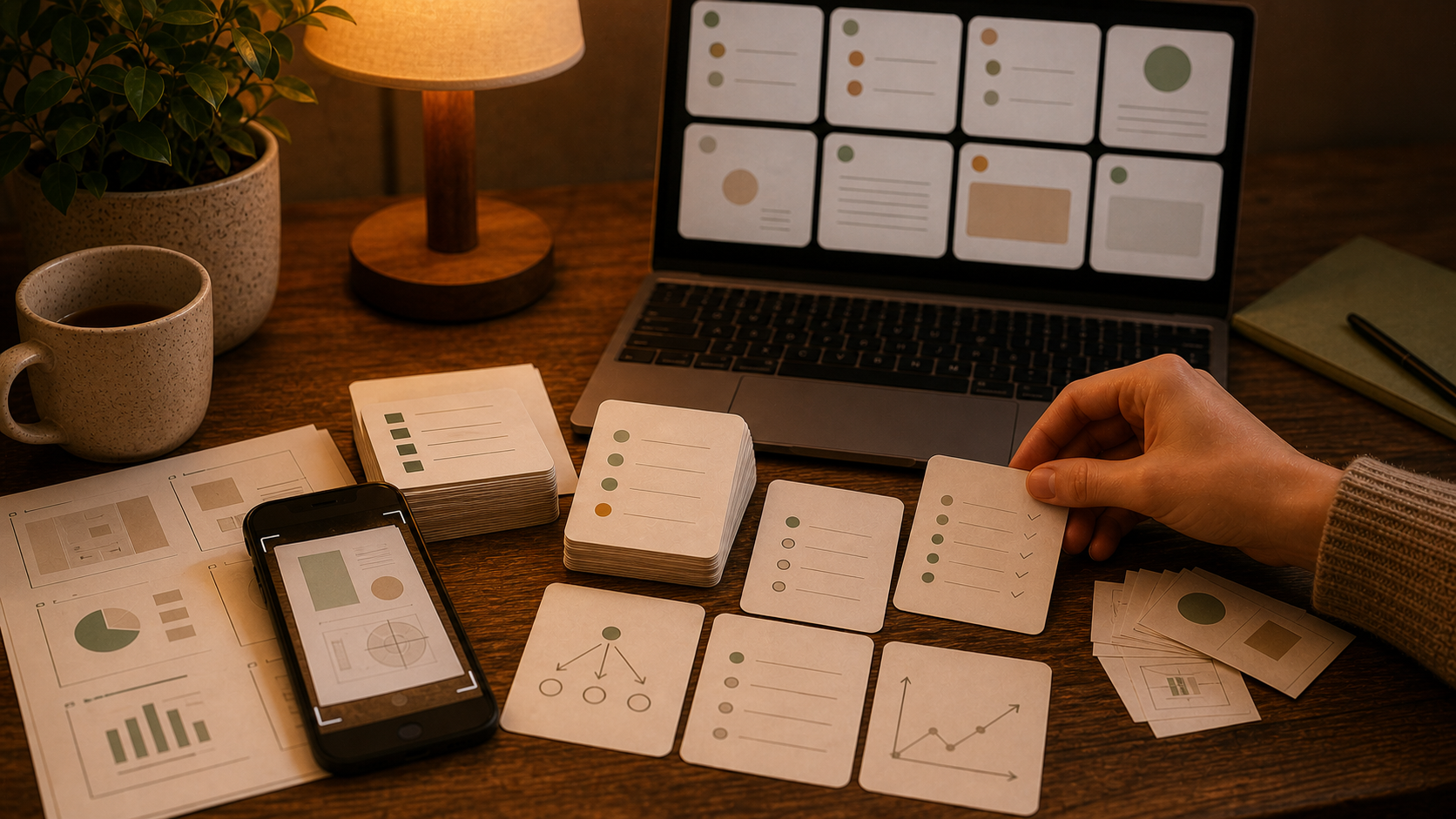
Yesterday I had three study sources open on my laptop: a screenshot from lecture slides, a phone photo of a worksheet, and a scanned page from an old review packet. All three were "images." All three needed a different cleanup path before I would trust them as flashcards.
That is why people keep searching for image to flashcards, photo to flashcards, screenshot to flashcards, and flashcards from images.
The extraction step matters, especially when OCR is involved. The bigger problem is simpler: once the image is gone, will the card still make sense, still be accurate, and still be worth reviewing next week?
Screenshots, photos, and scans fail in different ways
A lot of advice about study images to flashcards gets too generic too fast.
A screenshot usually has readable text and missing context. A phone photo usually has glare, skew, shadows, and extra material around the real target. A scanned page usually gives you cleaner OCR, but it also tempts you to process too much at once.
That difference matters.
If your source is mostly labels, arrows, and visual relationships, How to Turn Diagrams Into Flashcards is the closer match. If the source is messy notebook writing, How to Turn Handwritten Notes Into Flashcards will help more. This article is for the middle ground: screenshots, study photos, scanned pages, and mixed OCR-heavy material that still needs a human review pass.
OCR helps with typing, not with judgment
OCR is useful. It saves time. It can also make a deck look cleaner than it really is.
Even a decent OCR pass can leave behind:
- broken line order
- headers detached from the lines they belong to
- duplicated text from page borders or shadows
- labels without the relationship that made them meaningful
- small recognition mistakes that quietly turn into wrong cards
That is why OCR flashcards works better as a review workflow than an import fantasy. Use OCR to get the raw text out. Then read it like an editor before you let it become a deck.
The useful sequence is plain:
- extract the text or visible labels from the image
- clean the raw output into small, readable chunks
- draft candidate cards from one chunk at a time
- delete weak cards immediately
- review the final set with FSRS
That split saves a lot of pain. OCR mistakes are easier to catch in plain text than inside polished-looking cards.
Screenshot to flashcards usually needs context first
Screenshots are often the cleanest input and still produce disappointing cards.
The text is usually readable. The missing piece is context:
- the slide title is cut off
- the previous paragraph is on another screen
- the professor explanation never made it into the capture
- one bullet only made sense in the live lesson
For screenshot to flashcards, add one short sentence before you ask AI to draft anything. Give the missing frame around the screenshot so the card does not have to guess.
Useful context can be as small as:
- what class or chapter this belongs to
- what the screenshot is explaining
- what the important distinction or process is
- whether the goal is definition, comparison, sequence, or problem type
That one sentence usually improves the deck more than a fancier prompt.
Photo to flashcards starts with cropping
This is the fastest quality upgrade for photo to flashcards.
Crop before you upload. A good crop removes half the OCR trouble before AI sees the image.
Good crops reduce:
- OCR errors
- mixed topics inside one request
- accidental duplication
- visual clutter that turns into junk cards
I would usually keep one request to one concept cluster:
- one worksheet section
- one textbook figure and caption
- one problem type
- one page spread if both pages belong together
Smaller batches give you better turn pictures into flashcards results because the model has less room to flatten everything into broad, forgettable cards.
Scanned pages are where deck bloat starts
Scans look organized, so it is easy to get overconfident.
One scanned chapter becomes forty cards, then eighty, then a deck you already dislike before the first review session.
Break scans down by section:
- one heading
- one subtopic
- one table
- one worked example
If the scan is basically a document, How to Turn a PDF Into Flashcards is the better companion article. The image layer is only how the material reached you.
The prompt should stay strict and boring
Image workflows do not need clever prompting.
They need boundaries.
I would ask for something like this:
- use only the visible content plus the context I provide
- mark uncertain OCR or unclear labels instead of guessing
- draft one fact, distinction, or step per card
- keep front and back short
- avoid cards that depend on seeing the original image
- do not preserve decorative text, page furniture, or repeated labels
That is enough for most AI flashcards from images workflows.
The most common failure is simple: the model sounds certain about uncertain input, and the cards inherit that tone.
The best flashcards from images usually fall into four shapes
I keep coming back to the same four recall shapes:
1. Definition cards
Good for:
- terms from screenshots
- labeled parts from clean visuals
- short facts from scanned pages
2. Distinction cards
Good for:
- confusing lookalike concepts
- before-versus-after screenshots
- similar labels that students mix up
3. Sequence cards
Good for:
- process screenshots
- multi-step photos of worked solutions
- pathways or timelines pulled from images
4. Error-check cards
Good for:
- OCR lines you had to fix
- formulas where one symbol changes the meaning
- tables where one swapped column would wreck the answer
This is where image to flashcards becomes useful. You are not trying to preserve the whole image. You are extracting the recall task hidden inside it.
Most bad image decks come from the same few mistakes
I would check for these first:
- uploading ten unrelated images in one request
- trusting OCR output without reading it once
- keeping cards that only work when the screenshot is visible
- turning one crowded page into a single essay card
- accepting guessed text because it sounds plausible
- keeping every candidate card just because generation was fast
If the cards already exist and already feel vague, How to Fix AI Flashcards is the next step.
Where Flashcards fits after the cleanup pass
Once the image content is readable, Flashcards fits the practical part of the workflow:
- AI chat with uploaded files and uploaded images in the hosted app
- front/back card drafting and editing
- decks and tags for keeping screenshots, photos, and classes separated
- FSRS review after the cards are clean enough to trust
- offline-first study across web, iPhone, and Android
That is a better fit for flashcards from images than a generator that only handles the dramatic first draft and leaves the real cleanup somewhere else.
The setup is straightforward in Getting Started.
The practical rule I would follow
Do not ask the image to become the final deck in one jump.
Ask it to become clean study material first.
That is the version of photo to flashcards, screenshot to flashcards, and OCR flashcards that I actually trust in 2026. Crop the source. Run OCR when needed. Add the missing context. Draft from small chunks. Delete the cards that bluff. Then let FSRS handle the review timing.