2026 में Images को Flashcards में कैसे बदलें: Screenshots, Photos, और OCR के साथ, सब कुछ दोबारा लिखे बिना
कल मेरे laptop पर पढ़ाई की तीन चीज़ें खुली थीं: lecture slides का एक screenshot, worksheet की phone photo, और पुराने review packet का एक scanned page. तीनों technically "images" थे। लेकिन तीनों को flashcards में बदलने से पहले अलग तरह के cleanup की ज़रूरत थी।
यहीं से लोग अक्सर image से flashcards, photo से flashcards, screenshot से flashcards, और images से flashcards जैसी searches करने लगते हैं।
extraction step मायने रखता है, खासकर जब OCR शामिल हो। लेकिन बड़ी समस्या उससे भी सीधी है: image हटने के बाद क्या card अब भी समझ आएगा, सही रहेगा, और अगले हफ्ते review करने लायक होगा?
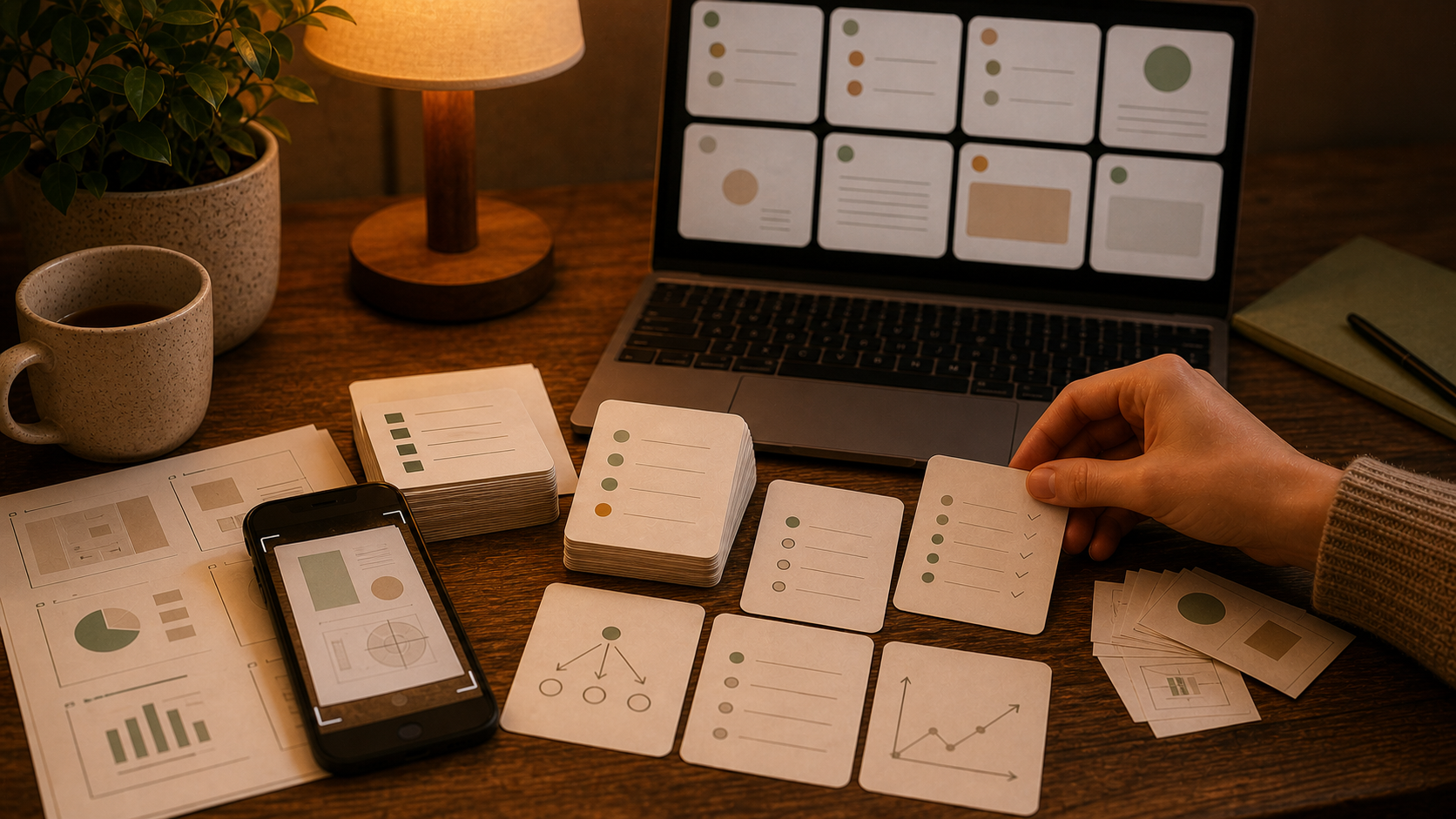
Screenshots, photos, और scans अलग-अलग तरह से खराब होते हैं
study images से flashcards वाली बहुत-सी advice बहुत जल्दी generic हो जाती है।
screenshot में text अक्सर readable होता है, लेकिन context missing होता है। phone photo में glare, skew, shadows, और असली target के आसपास extra material होता है। scanned page अक्सर ज़्यादा साफ़ OCR देता है, लेकिन साथ ही बहुत कुछ एक साथ process करने का लालच भी देता है।
यही फर्क असली मायने रखता है।
अगर आपका source ज़्यादातर labels, arrows, और visual relationships है, तो 2026 में Diagrams को Flashcards में कैसे बदलें ज़्यादा क़रीबी match है। अगर source messy notebook writing है, तो 2026 में Handwritten Notes को Flashcards में कैसे बदलें ज़्यादा मदद करेगा। यह article बीच वाले हिस्से के लिए है: screenshots, study photos, scanned pages, और mixed OCR-heavy material, जिसे अभी भी human review pass चाहिए।
OCR typing में मदद करता है, judgment में नहीं
OCR उपयोगी है। यह समय बचाता है। यह deck को उसकी असली quality से ज़्यादा साफ़ भी दिखा सकता है।
एक decent OCR pass के बाद भी आपके पास यह बच सकता है:
- टूटा हुआ line order
- headings जो अपनी lines से कट गई हों
- page borders या shadows से आया duplicated text
- ऐसे labels जिनका meaning उनके relationship के बिना अधूरा हो
- छोटी recognition mistakes जो चुपचाप गलत cards में बदल जाती हैं
इसीलिए OCR flashcards import fantasy की तुलना में review workflow के रूप में बेहतर काम करता है। OCR का उपयोग raw text निकालने के लिए करें। फिर उसे editor की तरह पढ़ें, उसके बाद ही उसे deck बनने दें।
उपयोगी sequence सीधी है:
- image से text या visible labels निकालें
- raw output को छोटे, readable chunks में साफ़ करें
- एक समय में एक chunk से candidate cards draft करें
- कमजोर cards तुरंत delete करें
- final set को FSRS के साथ review करें
यह split बहुत परेशानी बचाता है। polished दिखने वाले cards के अंदर OCR mistakes पकड़ने से आसान है उन्हें plain text में पकड़ लेना।
Screenshot से flashcards बनाने में आम तौर पर पहले context चाहिए
screenshots अक्सर सबसे साफ़ input होती हैं, फिर भी disappointing cards देती हैं।
text आम तौर पर readable होता है। missing piece context होता है:
- slide title कट गया होता है
- पिछला paragraph किसी दूसरी screen पर होता है
- professor की explanation capture में आई ही नहीं
- कोई bullet live lesson में ही समझ आती थी
screenshot से flashcards के लिए, AI से draft माँगने से पहले एक short sentence जोड़ें। screenshot के आसपास missing frame दे दें, ताकि card को guess न करना पड़े।
उपयोगी context इतना छोटा हो सकता है:
- यह किस class या chapter का हिस्सा है
- screenshot क्या समझा रहा है
- important distinction या process क्या है
- goal definition, comparison, sequence, या problem type में से क्या है
यह एक sentence अक्सर fancy prompt से ज़्यादा deck improve कर देता है।
Photo से flashcards की शुरुआत cropping से होती है
photo से flashcards के लिए quality बढ़ाने का यह सबसे तेज़ upgrade है।
upload करने से पहले crop करें। अच्छा crop, AI के image देखने से पहले ही OCR की आधी परेशानी हटा देता है।
अच्छे crops यह कम करते हैं:
- OCR errors
- एक request में mixed topics
- accidental duplication
- visual clutter जो junk cards में बदल जाता है
मैं आम तौर पर एक request को एक concept cluster तक सीमित रखूँगा:
- worksheet का एक section
- textbook की एक figure और उसका caption
- एक problem type
- एक page spread, अगर दोनों pages साथ belong करते हों
छोटे batches pictures को flashcards में बदलें वाले results को बेहतर बनाते हैं, क्योंकि model के पास सब कुछ broad, forgettable cards में flatten करने की कम जगह होती है।
Scanned pages वहीं हैं जहाँ deck bloat शुरू होता है
scans organized दिखते हैं, इसलिए overconfidence आसान हो जाता है।
एक scanned chapter चालीस cards बन जाता है, फिर अस्सी, और फिर review शुरू होने से पहले ही ऐसा deck बन जाता है जिसे आप नापसंद करने लगते हैं।
scans को section के हिसाब से तोड़ें:
- एक heading
- एक subtopic
- एक table
- एक worked example
अगर scan असल में document जैसा है, तो 2026 में PDF को Flashcards में कैसे बदलें बेहतर companion article है। image layer सिर्फ़ वह तरीका है जिससे material आपके पास पहुँचा।
Prompt सख्त और सीधा रहना चाहिए
image workflows को clever prompting की ज़रूरत नहीं होती।
उन्हें boundaries चाहिए।
मैं कुछ ऐसा पूछूँगा:
- सिर्फ़ visible content और मेरे दिए context का उपयोग करो
- uncertain OCR या unclear labels को guess करने के बजाय mark करो
- हर card में एक fact, distinction, या step रखो
- front और back को short रखो
- ऐसे cards से बचो जो original image देखने पर depend करते हों
- decorative text, page furniture, या repeated labels को preserve मत करो
ज़्यादातर images से AI flashcards workflows के लिए इतना काफ़ी है।
सबसे common failure बहुत सीधा है: model uncertain input पर भी confident सुनाई देता है, और cards वही tone अपना लेते हैं।
Images से बने सबसे अच्छे flashcards आम तौर पर चार shapes में आते हैं
मैं बार-बार इन्हीं चार recall shapes पर लौटता हूँ:
1. Definition cards
इनके लिए अच्छे:
- screenshots से निकले terms
- clean visuals के labeled parts
- scanned pages से छोटे facts
2. Distinction cards
इनके लिए अच्छे:
- आसानी से गड़बड़ा जाने वाले concepts
- before-versus-after screenshots
- मिलते-जुलते labels जिन्हें students mix up कर देते हैं
3. Sequence cards
इनके लिए अच्छे:
- process screenshots
- worked solutions की multi-step photos
- images से निकाले गए pathways या timelines
4. Error-check cards
इनके लिए अच्छे:
- वे OCR lines जिन्हें आपको fix करना पड़ा
- formulas जहाँ एक symbol पूरा meaning बदल देता है
- tables जहाँ एक swapped column पूरा answer बिगाड़ देगा
यहीं image से flashcards वास्तव में उपयोगी बनता है। आप पूरी image preserve करने की कोशिश नहीं कर रहे। आप उसके अंदर छिपा recall task निकाल रहे हैं।
ज़्यादातर खराब image decks वही कुछ गलतियों से बनते हैं
मैं पहले इन्हें check करूँगा:
- एक request में दस unrelated images upload करना
- OCR output को एक बार भी पढ़े बिना trust कर लेना
- ऐसे cards रखना जो सिर्फ़ screenshot visible होने पर काम करते हैं
- एक crowded page को एक essay card में बदल देना
- guessed text को इसलिए accept कर लेना क्योंकि वह plausible लगता है
- generation तेज़ थी, इसलिए हर candidate card रख लेना
अगर cards पहले से मौजूद हैं और पहले से vague लग रहे हैं, तो 2026 में AI Flashcards कैसे ठीक करें अगला step है।
Cleanup pass के बाद Flashcards कहाँ fit बैठता है
जब image content readable हो जाए, तब Flashcards workflow के practical हिस्से में fit बैठता है:
- hosted app में uploaded files और uploaded images के साथ AI chat
- front/back card drafting और editing
- screenshots, photos, और classes को अलग रखने के लिए decks और tags
- cards पर भरोसा करने लायक cleanup के बाद FSRS review
- web, iPhone, और Android पर offline-first study
यह images से flashcards के लिए उस generator से बेहतर fit है जो सिर्फ़ dramatic first draft संभालता है और असली cleanup कहीं और छोड़ देता है।
setup सीधा है: Getting Started।
वह practical rule जिसे मैं follow करूँगा
image से एक ही jump में final deck बनने को मत कहिए।
पहले उससे clean study material बनने को कहिए।
यही photo से flashcards, screenshot से flashcards, और OCR flashcards का वह version है जिस पर मुझे 2026 में सच में भरोसा है। source को crop करें। ज़रूरत हो तो OCR चलाएँ। missing context जोड़ें। छोटे chunks से draft करें। bluff करने वाले cards delete करें। फिर review timing को FSRS पर छोड़ दें।