How to Study With ADHD Using Flashcards in 2026: Lower Friction, Smaller Queues, Faster Wins
A deck can show only 18 due cards and still feel impossible. Not because 18 is a lot. Because each card comes with a side quest: figure out where to start, remember why this deck exists, parse a vague prompt, then argue with yourself about whether your answer was close enough.
That is why a lot of interest around ADHD flashcards is not really about finding the perfect card format. It is about reducing friction. Fewer decisions. Smaller queues. Cleaner prompts. Faster wins. More honest timing.
This article is about study workflow, not diagnosis or treatment. If shorter loops, tighter card design, and more external structure help you study, flashcards can work well. They just need to be set up so the system does not become a second problem.
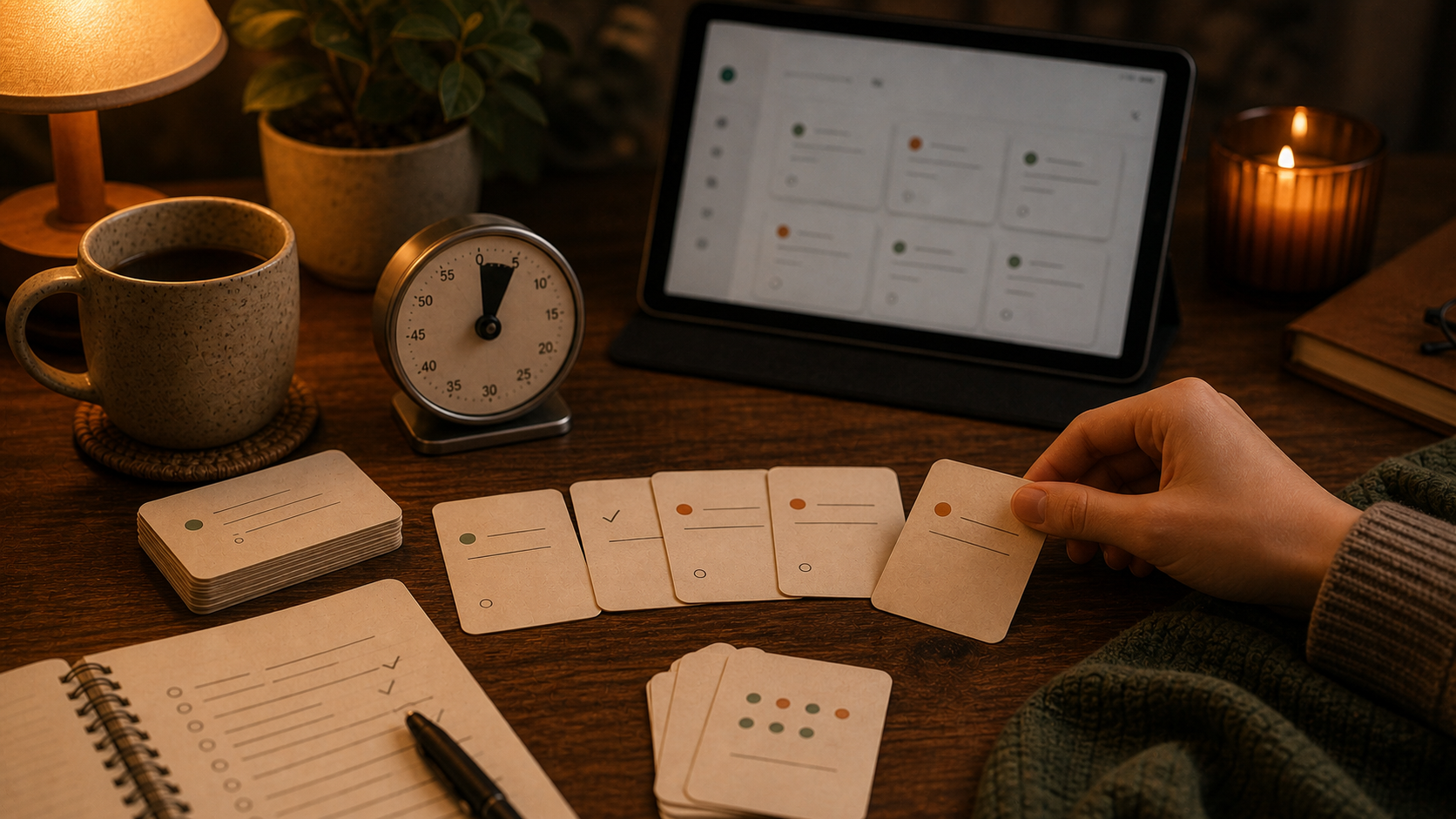
The real problem starts before the first answer
People often talk about flashcards like the hard part is memory.
Sometimes it is.
But for many learners, the bigger problem arrives a few minutes earlier:
- opening the app already feels like a commitment
- the review queue looks vague or punitive
- the next step is not obvious
- the cards ask for too much at once
- one skipped day turns into a pileup that feels personal
That is why study with ADHD flashcards works better when the system is designed for low startup cost, not heroic consistency.
If the first five minutes feel expensive, the deck will keep losing even when the cards are technically "good."
Make the deck easier to start, not more impressive
The easy mistake here is building a deck that looks organized and serious, then avoiding it because every review session feels like admin.
I would bias toward a smaller, plainer setup:
- one main deck per course, exam, or subject
- a few useful tags instead of a taxonomy hobby
- a low daily new-card limit
- short front sides with one direct question
- short back sides you can grade quickly
That matters because the best focus-friendly flashcard setup is usually less about decoration and more about reducing decision fatigue.
If your current setup keeps expanding, How to Organize Flashcards in 2026 is the right structural companion. If the queue is growing faster than your patience, How Many New Flashcards Per Day in 2026 is the more immediate fix.
Smaller review sessions are not a compromise
A lot of study advice still assumes the real session starts at 45 minutes.
That is not a useful rule for everyone.
With flashcards, the most valuable session is often the one you actually start. Five clean minutes can beat one perfect hour that keeps getting postponed until the day is basically over.
That is why I like small review sessions on purpose:
- 5 minutes while coffee is brewing
- 10 minutes before opening email
- one short pass after class
- one filtered subset while waiting somewhere annoying
Those sessions work only if the cards are actually reviewable. If every prompt turns into a mini reading-comprehension test, those short windows disappear fast.
This is also why How to Review Flashcards Faster in 2026 matters so much for this topic. Speed is not about rushing. It is about removing seconds-tax friction from every card.
Use AI for check-ins and cleanup, not for deck inflation
This is one place where 2026 tools are genuinely useful.
Recent AI study products keep moving toward guided questions, active participation, and lighter cognitive scaffolding instead of just dumping answers. That is a good fit for learners who do better with an external nudge and a cleaner next step.
The useful version of AI study ADHD is not "generate 140 cards from this chapter."
It is more like:
- explain one narrow topic
- ask me three questions before giving the answer
- tell me where my explanation was fuzzy
- help me rewrite two weak cards
- help me decide what does not belong in the deck
That keeps AI in a support role instead of letting it flood your queue with future obligations.
If your study flow already starts with AI tutoring, How to Use AI to Study in 2026 is the best companion. If the model already produced cards and they look polished but annoying, How to Fix AI Flashcards in 2026 is the next step.
One card should answer one question cleanly
This rule matters even more when attention is expensive.
Broad cards create hidden work:
- more rereading
- more hesitation
- more self-negotiation
- more "I kind of knew it"
That is how ten due cards start feeling impossible.
I would rather keep three cards like:
- What does X term mean?
- What is the next step after Y?
- Which condition makes Z happen?
than one card that asks for a summary, an exception, and an example all at once.
If the answer needs a paragraph, the card probably needs to split.
That is also why timing matters. When to Make Flashcards in 2026 is useful here because cards written too early often come out vague, and vague cards are expensive to restart later.
Keep the review queue small enough to trust
The worst flashcard system for attention is the one that keeps handing you proof that you are behind.
That is why ADHD spaced repetition should stay conservative on intake.
Do not let AI, enthusiasm, or one productive afternoon decide your future workload. Set the deck up so tomorrow still looks manageable.
I would usually prefer:
- fewer new cards
- more aggressive deletion
- more rewriting of slow cards
- more tolerance for leaving non-essential material out
The goal is not maximum coverage. It is reliable recall without daily dread.
If you already have a backlog, How to Catch Up on Flashcards After Falling Behind in 2026 is the direct rescue plan. If you are still early enough to prevent that problem, keep the daily intake boring.
FSRS helps because attention is uneven
This is where the scheduler starts earning its place.
ADHD active recall does not need a motivational speech. It needs a system that does not demand the same amount of energy from every card on every day.
FSRS helps by making review timing more sensible after the cards are already worth reviewing. Some facts settle quickly. Some distinctions stay slippery. Some cards keep coming back because the wording is bad, not because the topic is hard.
That last part matters. FSRS is a timing layer, not a rescue layer.
It helps most when:
- the cards are small
- the prompts are clear
- the queue is not overloaded
- your grades are honest
If you want the scheduling mechanics in more detail, FSRS vs SM-2 in 2026 is the direct comparison. The short version is that better timing helps a lot, but it still cannot save a deck that asks too much from your attention.
A practical ADHD flashcard workflow
If I wanted a lower-friction study system, I would keep it this plain:
- Study one narrow chunk instead of one giant subject block.
- Use AI or notes to check understanding before making cards.
- Turn only the missed points, confusing distinctions, or repeat mistakes into flashcards.
- Keep each card answerable in one short breath.
- Review in one small session as soon as the cards land.
- Let FSRS handle the next timing.
- Delete or rewrite any card that keeps slowing the session down.
In practice, that can mean finishing a short biology section, making six cards from the mistakes, reviewing them once that afternoon, and stopping there. No giant export. No 80-card promise to your future self.
That workflow is less exciting than a giant auto-generated deck. It is also much easier to start again tomorrow.
Where Flashcards fits
Flashcards fits this kind of workflow well because the product is already built around the parts that matter after motivation wears off:
- a hosted web app for card creation and due reviews
- AI chat with file attachments and plain text uploads
- FSRS review scheduling
- decks and tags for lighter organization
- offline-first clients when quick review windows happen away from your desk
That is useful because this topic is not only about making cards. It is about keeping the review loop small, clear, and survivable.
If you want the product overview first, start with Features or the Getting Started guide. Then keep the deck smaller than your optimistic self wants, tighter than your notes suggest, and easier to restart than your last system was.