How to Turn Duolingo Flashcards Into Real Spaced Repetition in 2026
On November 18, 2025, Duolingo launched official Flashcards. A few months later, plenty of language learners had the same follow-up problem: the word you missed in a lesson on Monday, then mangled again in a Video Call on Thursday, still needs somewhere to live after the app moves on.
That is where most Duolingo flashcards workflows get shaky.
Duolingo is good at momentum. It gives you repetition, prompts, corrections, and reasons to come back tomorrow. What it does not automatically give you is a small long-term review system built around the exact words and phrases that keep tripping you up.
This guide stays narrow on purpose. It is not about replacing Duolingo. It is about taking the parts Duolingo already surfaces, then turning those into a spaced-repetition deck you can keep using in 2026.
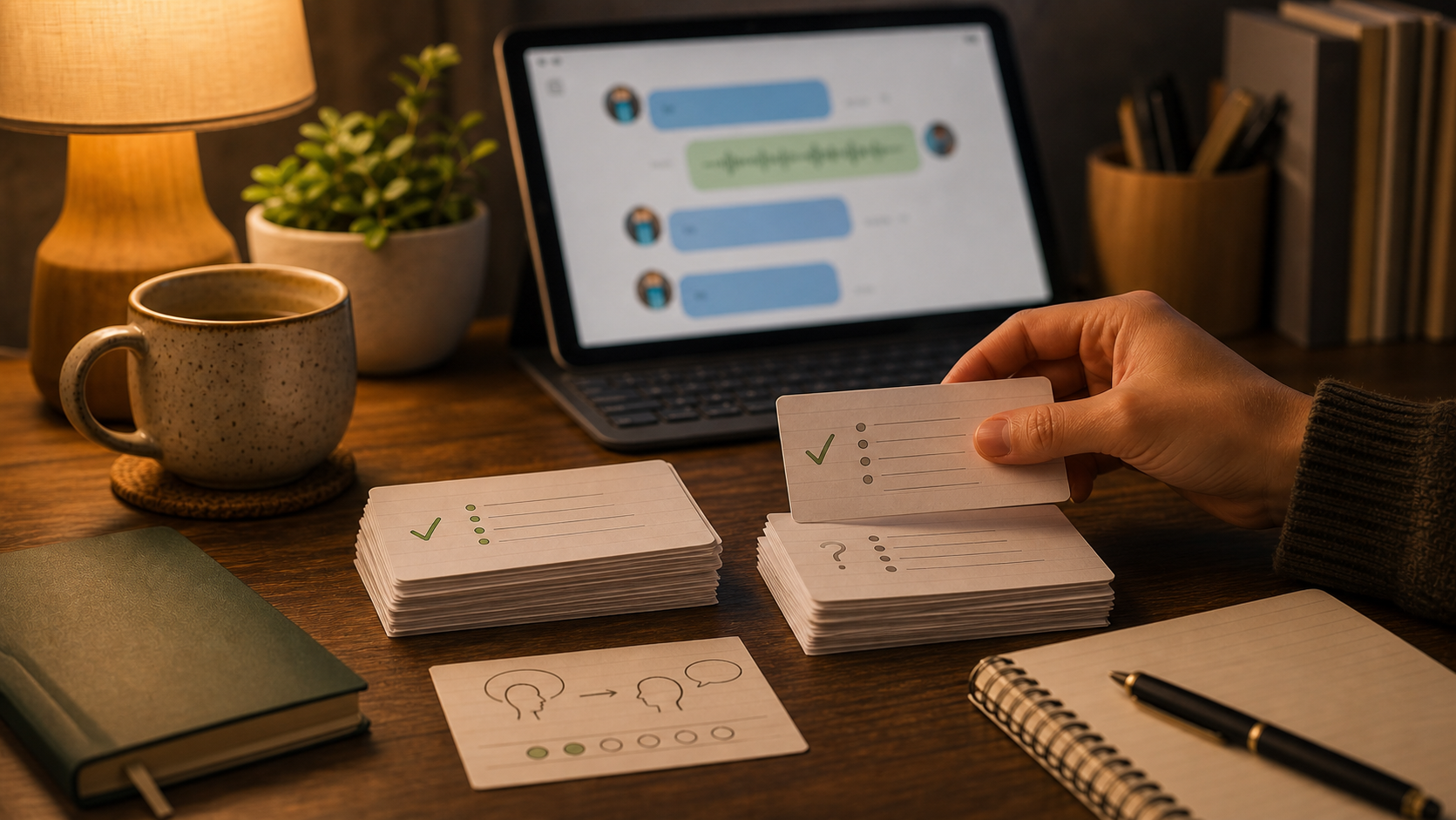
Why this matters more now
Duolingo creates more "save this for later" moments than it used to.
The shift is visible in Duolingo's own product updates:
- official Flashcards launched on November 18, 2025
- Duolingo Max introduced AI-heavy tutoring features including Video Call
- Video Call with Lily was explained in more detail on April 22, 2025
- Video Call with Falstaff followed on January 14, 2026 for beginner conversations
So now the raw material is not just a word list. It can be:
- lesson vocabulary
- corrected phrases
- tiny grammar contrasts
- speaking mistakes from Video Call
- sentence patterns you would genuinely like to reuse
That is useful, but it also creates a filtering problem. Save everything and the deck gets noisy fast. Save nothing and the same weak spots keep showing up inside Duolingo, then disappearing again.
The useful workflow is manual, selective, and a little boring
One disclaimer matters here.
This workflow does not rely on an official Duolingo import, export API, browser scraping, partnership, or one-click sync into Flashcards. It is manual by design. You notice what mattered, copy or screenshot it, clean it up, and only then turn it into cards.
That is less exciting than the fantasy version of "Duolingo to Anki."
It is also much closer to what actually holds up.
What to capture from Duolingo
If you want Duolingo vocabulary flashcards that stay useful, the capture rule has to be stricter than "I saw this in a lesson."
I would mostly keep four kinds of material.
1. Words you missed more than once
Not every new word deserves a permanent card.
If a word felt obvious after one correction, let it go. If it came back two or three times across different sessions and still caused trouble, that is a better signal.
Good candidates:
- a verb form you keep mixing up
- a function word that changes meaning in a sneaky way
- a near-synonym pair that keeps collapsing together in your head
2. Corrected phrases from speaking practice
This is usually the highest-value material.
If you are using Max features like Video Call, the useful item is often not a single vocabulary word. It is the corrected phrase that shows the gap between what you tried to say and what the language actually wanted.
That gives you cards with context:
- which preposition belongs there
- which tense sounds natural
- what word order changed the sentence
Those are usually better cards than random isolated vocab.
3. Sentence patterns you want to produce later
Some phrases matter because you can easily imagine needing them again.
Examples:
- "I have been studying for three months"
- "I forgot to bring my charger"
- "We ended up taking the train instead"
If the phrase sounds like something you might say next week, it is a strong card candidate. If it only makes sense in a goofy Duolingo scene, it probably is not.
4. Small grammar contrasts with one real example
Duolingo often surfaces useful micro-distinctions:
porvsparaservsestar- perfective vs imperfective choices
- article usage that changes tone or meaning
Do not save the whole explanation block. Save one clean contrast with one example you actually understand.
What not to capture
This matters even more than the capture list.
Most bad Duolingo spaced repetition systems are not ruined by bad software. They are ruined by hoarding.
I would skip:
- words you already knew on sight
- funny novelty sentences you will never say
- full dialogue transcripts when one line was the real lesson
- giant answer blocks that teach three grammar points at once
- obvious cognates you will almost certainly remember anyway
- phrases that only make sense because of the exact lesson scene around them
If a card would feel silly to review on a tired Thursday morning, it probably should not exist.
The practical workflow: lesson first, cards second
The day-to-day process should stay plain.
Step 1: Finish the lesson or conversation first
Do not stop every thirty seconds to build flashcards. That is how you turn a language session into admin.
Let Duolingo do its part first:
- finish the lesson
- finish the Flashcards session
- finish the Video Call
Then do a short capture pass while the mistakes are still fresh.
Step 2: Save only 3 to 8 items from that session
This is the rule that keeps the system alive.
Three good cards from a session is normal. Eight is already a lot. Fifteen usually means you are saving things because they were interesting, not because they are worth reviewing.
Your raw capture can be simple:
- copied phrases in a note
- one screenshot with the corrected line
- a pasted transcript snippet
- a scratch list like
estar + location,se me olvidó,por vs para here
Step 3: Rewrite the raw material into actual retrieval prompts
This is where the quality comes from.
Raw Duolingo material is often too broad, too polished, or too tied to the screen where you saw it. Before it becomes a deck, rewrite it into smaller front/back prompts.
Suppose Video Call corrected this line:
- Raw line: "No fui al trabajo porque estaba enfermo."
That could become:
- Front: How do you say "I did not go to work because I was sick" in Spanish? Back: No fui al trabajo porque estaba enfermo.
- Front: Which past tense appears in
No fui al trabajo? Back: Preterite ofir:fui.
Maybe that becomes two cards. Maybe only one survives. The point is that the saved material stops sounding like a transcript and starts sounding like something you can recall under light pressure.
Phrase cards usually beat raw vocabulary cards
This is the part most people learn the hard way.
Isolated vocabulary feels neat. Phrase cards are usually what survives.
A corrected phrase like:
- "I am looking for the train station"
- "She told me not to worry"
- "We have known each other since school"
carries several things at once:
- vocabulary
- grammar
- word order
- a believable use case
That is especially valuable when the phrase came from a moment where you hesitated or got corrected. It already has some memory attached to it.
Use AI to clean up the material, not to decide what mattered
This line is worth keeping firm.
AI is useful after the selection step, not before it.
If you dump a whole Duolingo session into a model and ask for fifty cards, you will usually get polished junk mixed with a handful of good cards. If you first choose the lines that actually mattered, the cleanup step becomes much more useful.
Inside Flashcards, the practical fit is straightforward:
- create cards in the hosted web app
- paste corrected phrases into AI chat or attach a screenshot/file
- ask for simpler front/back drafts
- cut weak cards immediately
- review the survivors with FSRS
That works well for Duolingo Max speaking practice flashcards because it keeps the human judgment at the front of the workflow.
If you want the broader cleanup rules for generated cards, How to Fix AI Flashcards in 2026 is the direct companion article.
A plain prompt that works for Duolingo material
You do not need importer language. You need a prompt that keeps the cards narrow.
This is enough:
Turn these Duolingo phrases and corrections into plain front/back flashcards. One word, phrase, contrast, or grammar point per card. Keep answers short. Preserve natural example sentences when they help. Skip duplicates, jokes, obvious cognates, and anything that would not be useful in real conversation.
If the raw material came from a screenshot or pasted conversation snippet, add:
If one line contains several ideas, split it into multiple smaller cards.
That usually gets you much closer to something reviewable.
FSRS is what turns Duolingo notes into a real memory system
This is the handoff that matters.
Duolingo is good at repeated exposure inside Duolingo. What many people still want afterward is a review layer they control, where cards can stay around for months and come back based on actual memory performance instead of whatever the lesson path happened to emphasize.
That is where FSRS helps.
Once the cards are small and honest:
- easy cards back off
- slippery cards stay close
- the queue feels less random
- review feels more like memory work and less like a folder full of screenshots
If you want the scheduler side in more detail, FSRS vs SM-2 in 2026 is the direct follow-up.
Keep the Duolingo deck separate and small
This is another place where people quietly drift off course.
Do not pour every language-learning source into one giant bucket on day one. A small Duolingo Spanish or Duolingo French deck works better at first, especially while you are still figuring out your capture rules.
I would also keep a rough weekly ceiling:
- around 15 to 30 new Duolingo-derived cards per week for casual learners
- maybe 40 if you are using Duolingo heavily and deleting aggressively
Past that, the queue often stops feeling helpful.
If you are unsure how much new material your review load can absorb, How Many New Flashcards Per Day in 2026 is the right companion article.
Where Flashcards fits if you want ownership
If the point is not just a nicer queue but a system you can inspect and keep on your own terms, this is where Flashcards fits naturally.
The useful pieces here are practical:
- simple front/back cards
- FSRS review
- AI chat with pasted text, screenshots, and file attachments for cleanup
- a hosted web app for quick setup
- an offline-first iOS app for reviews away from your desk
- an open-source codebase and a self-hosting path if data ownership matters to you
If you want the shortest product walkthrough, start with Getting Started.
The practical rule for Duolingo flashcards in 2026
Do not try to save Duolingo wholesale.
Save the words you keep missing, the corrected phrases that taught you something, and the sentence patterns you actually want to say again. Clean those into small cards. Delete the funny but useless stuff. Then let FSRS handle the timing.
That is the version of Duolingo flashcards I trust in 2026. Duolingo keeps the streak moving. Your own spaced-repetition deck keeps the useful parts from evaporating after the lesson ends.