How to Turn a Syllabus Into a Study Plan and Flashcards in 2026
Last semester I opened a syllabus to check one midterm date and came out slightly offended. The exam was only part of the problem. There were weekly quizzes worth 20%, a lab practical hiding in week nine, and a final project that clearly wanted attention long before the deadline. I had treated the syllabus like admin. The syllabus disagreed.
That is usually the real start of syllabus to study plan. Not when you are already behind. Earlier. When the course quietly tells you what counts, how fast it moves, and which parts are going to hit your grade harder than the chapter headings suggest.
In 2026, this got more practical because AI study tools are much better at working from source material. A syllabus, notes, slides, and readings can become a usable weekly plan faster than they could a couple of years ago.
That shifts the job of the flashcards app. The syllabus tells you what matters and when it matters. The flashcards handle the part your syllabus cannot do for you: keeping important details alive after week three.
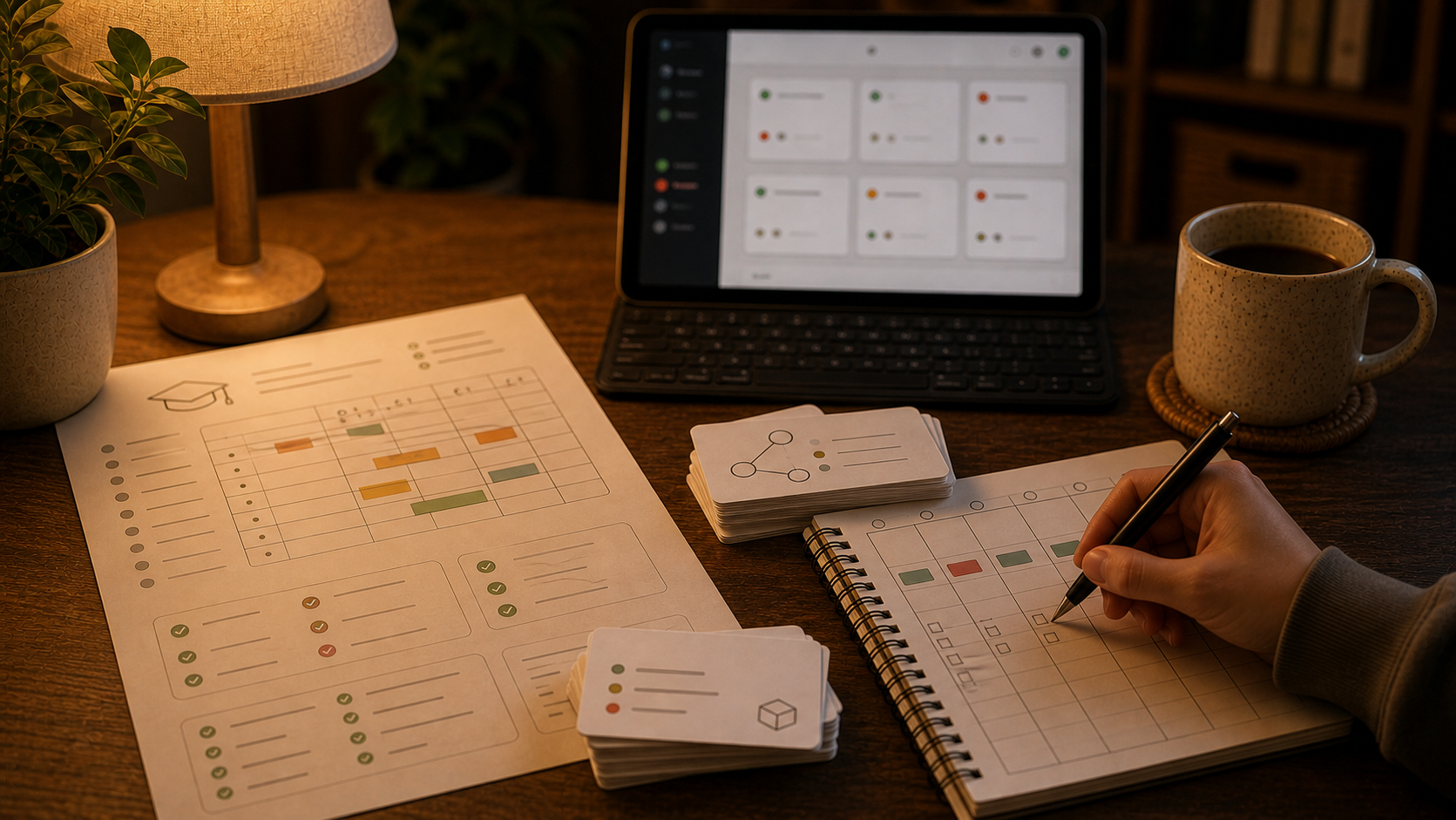
A syllabus is not a deck. It is a map with deadlines attached.
This is the first distinction worth getting right.
A syllabus usually contains four different kinds of information mixed together:
- course logistics
- grading weights
- recurring work
- topic sequence
Only one of those turns directly into flashcards.
You do not need spaced repetition for "office hours are Tuesdays at 2 p.m." You might want a reminder, but you do not need a review queue. The parts that deserve memory work are the stable academic targets hiding inside the plan:
- vocabulary that will come back on multiple quizzes
- formulas and definitions you will need again later
- recurring concept distinctions
- processes, timelines, and classifications
- mistakes you keep making as the course moves forward
The rest belongs in your calendar, checklist, or weekly plan.
That is why study plan from syllabus works best when you split the jobs cleanly:
- use the syllabus to decide timing, scope, and pressure points
- use flashcards to remember what the course expects you to carry forward
Why this is a stronger workflow in 2026
I would not have written this article the same way two years ago.
Back then, "study from your syllabus" usually meant manually reading the PDF, copying dates into a calendar, and promising yourself you would stay organized this time.
Now the tools are much better at the annoying setup work. They can pull out deadlines, topic order, and recurring assignments quickly enough that the syllabus becomes something you actually use instead of a PDF you only reopen when you feel nervous.
That changes the practical question. It is less "how do I turn notes into flashcards?" and more "how do I turn the course plan into something I can actually follow?"
What to pull out of the syllabus first
I would not start by asking AI for flashcards.
I would ask it to extract structure.
When you upload or paste a syllabus, these are the things worth pulling out immediately:
- exam dates
- project, paper, lab, and presentation deadlines
- recurring weekly assignments
- grading weights
- unit or week-by-week topic sequence
- policies that affect workload, like dropped quizzes or cumulative exams
That gives you the shape of the course.
It also tells you where flashcards are likely to pay off. A cumulative final, heavy quiz weight, and fast-moving topic sequence usually mean memory matters more than in a course where the grade is mostly one paper and class discussion.
If the syllabus is messy, I would ask for one plain output first:
List the major dates, weekly deliverables, grading weights, and cumulative topics in a table I can scan in one minute. Then separate what belongs in my calendar, what belongs in a weekly checklist, and what is a likely flashcard candidate later.
That sounds boring because it is boring. Good. Boring is useful here.
Build the study plan before you build the deck
This is where most students reverse the order.
They see twelve weeks of topics, panic slightly, and start making cards for chapter one before they know what the course rhythm actually is.
I would rather do this:
- map the term from the syllabus
- mark the high-stakes dates
- identify which topics are cumulative
- set a weekly study slot that fits the course rhythm
- only then start turning stable concepts into flashcards
That keeps the deck attached to the class instead of attached to your first burst of motivation.
If the syllabus says:
- weekly low-stakes quiz every Friday
- midterm in week six
- cumulative final in week twelve
then your plan is already clearer:
- make small cards each week from the current unit
- review those cards before the Friday quiz
- keep the good cards alive so week-one material is still around for the final
That is a much better use of AI syllabus study plan than asking for "200 flashcards from this syllabus" on day one.
The syllabus tells you what to memorize later, not what to memorize today
This is an easy mistake.
A syllabus often names every topic in the course at once. That does not mean you should create flashcards for all of them at once.
You will build a queue you resent by week two.
I would treat the syllabus like a forecast:
- it shows what is coming
- it helps you spot cumulative material early
- it tells you where to start paying attention
But cards should usually come from the combination of:
- the syllabus topic list
- the week's lecture or reading
- the questions you missed
- the distinctions that still feel slippery after class
That is also why this article is different from How to Turn a Study Guide Into Flashcards in 2026. A study guide usually arrives later, closer to review time, and already compresses the material. A syllabus is earlier and broader. It is for pacing decisions first.
A simple syllabus-to-flashcards workflow that holds up
This is the version I would actually repeat:
1. Extract the course skeleton
Use AI to pull out deadlines, weekly work, exam weights, and topic sequence from the syllabus.
2. Mark the cumulative material
Ask which topics are likely to keep returning across quizzes, midterms, labs, or the final. Those are the best candidates for long-term review.
3. Build a weekly plan, not a heroic semester plan
Break the course into the next seven days:
- what to read
- what to review
- what to finish
- what deserves flashcards this week
4. Create only a small card batch from taught material
Make cards after the lecture, reading, or problem set has actually happened. Keep the batch small enough that next week's reviews still look reasonable.
If you need a ceiling, How Many New Flashcards Per Day in 2026 is the more detailed version of that argument.
5. Feed the deck with misses, not only topics
The best cards often come from:
- quiz mistakes
- office-hours clarifications
- lab confusions
- vocabulary you keep mixing up
- definitions or formulas that still do not come out cleanly
That keeps the deck honest.
6. Let FSRS handle the timing
Once the cards are good, the scheduler should carry the burden of when to see them again. If you want the deeper tuning side, FSRS Settings in 2026 covers the review-load tradeoffs.
What should become a flashcard from a syllabus-driven course?
Usually not the policy section.
Usually not the attendance rule.
Usually not the professor biography either, unless you are in a very strange class.
Good flashcard candidates from a syllabus-driven workflow are things like:
- unit vocabulary that keeps reappearing
- formulas needed across multiple weeks
- process steps
- anatomy labels
- legal tests
- historical periods and causation links
- language structures
- recurring compare-and-contrast ideas
Weak candidates are:
- one-off admin facts
- obvious checklist items better handled by reminders
- giant chapter headings
- topics you have not even studied yet
- cards created only because the syllabus made the semester look scary
That last one gets a lot of people.
The course looks big, so they build a big deck to match. Then the deck becomes the stress.
This works especially well when the class is cumulative
Some classes forgive short-term studying. Some absolutely do not.
Flashcards earn their keep when the syllabus hints that the course will keep stacking:
- biology
- chemistry
- anatomy
- pharmacology
- law
- language learning
- many certification courses
In those courses, the midterm is rarely the end of the material. The later weeks assume the earlier weeks still exist inside your head.
That is where spaced repetition feels less like "study technique content" and more like basic damage prevention.
If your goal is exam prep from a broader course pile, these companion pieces fit right next to this one:
Where Flashcards fits in this workflow
Flashcards fits after the syllabus has already been turned into structure.
The useful path is straightforward:
- use AI chat with your course materials to extract the course plan
- draft cards from the week's real material, not from the whole semester at once
- keep cards in the same place where you will edit, review, and organize them later
- review with FSRS instead of trusting yourself to remember when to revisit week three
That matters because planning and retention are different jobs, but they should still live close together.
Inside the product, the practical pieces already line up:
- a hosted web app for card creation and review
- AI chat with workspace data and file attachments
- FSRS scheduling for due cards
- mobile apps when you need to clear reviews away from your desk
If you are setting this up for the first time, Getting Started is the shortest path through the hosted app. If owning the full stack matters more than convenience, the self-hosting guide is there too.
The point is not to memorize the syllabus
The point is to let the syllabus tell you where memory will matter before the course starts charging interest.
That is why I like this workflow in 2026.
AI is good at reading the syllabus, extracting the moving parts, and turning a vague course PDF into something you can actually act on this week. Flashcards are good at holding on to the parts of the class that need to survive longer than one lecture.
Put those together and the syllabus stops being a document you ignore until something goes wrong.
It becomes the first decent study tool you had all semester.